

1. Drag VV to Applications
Open the download and drop VV next to your other apps. That is the whole install.

macOS · Windows
Speak naturally, VV types where your cursor is. On your own computer, not in the cloud. Free for 1,000 words a week, no account needed.
Latest release
Latest release
Install on a Mac
Open the download and drop VV next to your other apps. That is the whole install.

Microphone so it can hear you. Accessibility so it can type where your cursor is. VV explains each one before macOS asks.
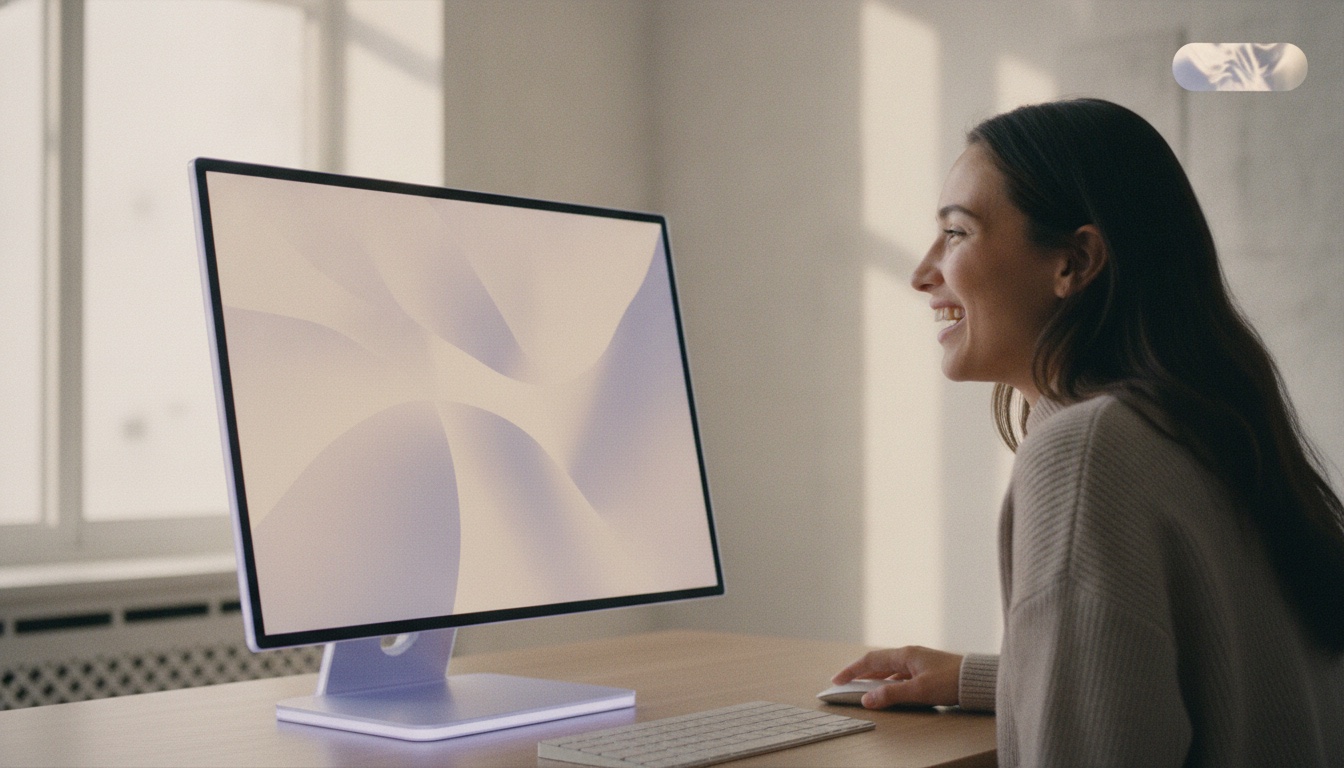
Mail, Slack, Cursor, Notes — anywhere the cursor blinks. Let go and the words appear.
Install on Windows
Open VaitlyVoice-Setup.exe. It is signed by Vaitly Limited and installs for your user only, so Windows does not ask for an administrator.
Windows asks once. There is no accessibility permission on Windows. The speech model downloads on the first run.
Or any key you record. Outlook, Teams, Word, Chrome — let go and the words appear where the cursor is.
More on the Windows page, including the one limit worth knowing: Windows does not let any ordinary program type into a window running as administrator.
Before you download
Yes. On a Mac, VV is signed with a Developer ID certificate issued to Vaitly Limited and checked by Apple's notary service; macOS verifies both when you first open it. On Windows, the installer carries an Authenticode signature from Vaitly Limited, which Windows checks as it runs. If either system ever warns that the file is damaged or from an unknown publisher, do not force it open — write to us.
Apple silicon Macs (M1 or later) on macOS 14 Sonoma or newer, and 64-bit (x64) Windows PCs on Windows 10 22H2 or Windows 11. Intel Macs and Windows on ARM are not supported.
Yes. There is one app. It starts on Free, and buying Pro in Settings → Account unlocks unlimited dictation, Vaitly Meetings (beta), meeting summaries, Cloud Polish, Transforms and encrypted backup on the same install, Mac or Windows.
Yes. A paid plan covers 5 devices in any mix of Macs and PCs. Sign in on each machine from Settings → Account.
Download the new version from this page and install it over the old one. Your settings, vocabulary and history are kept. There is no automatic updater yet, on either platform.
No. The Free plan gives you 1,000 dictated words a week with no account. An account is only needed to move your plan between computers or to buy a plan.
Nowhere. Dictation runs on your own computer. Your account, if you create one, manages your plan and devices — never your words.
On a Mac: quit VV from the menu bar, drag it from Applications to the Bin, and remove Vaitly Voice from Microphone and Accessibility in System Settings if you like; your history lives in ~/Library/Application Support/com.vaitly.vv. On Windows: Settings → Apps → Installed apps → Vaitly Voice → Uninstall.
VV is made in the UK by Vaitly Limited. Prices and plans are on the pricing page; the privacy policy explains what an account does and does not hold.
It looks like you're in the United States. The same app is on vaitlyvoice.com, priced in dollars for the United States.