

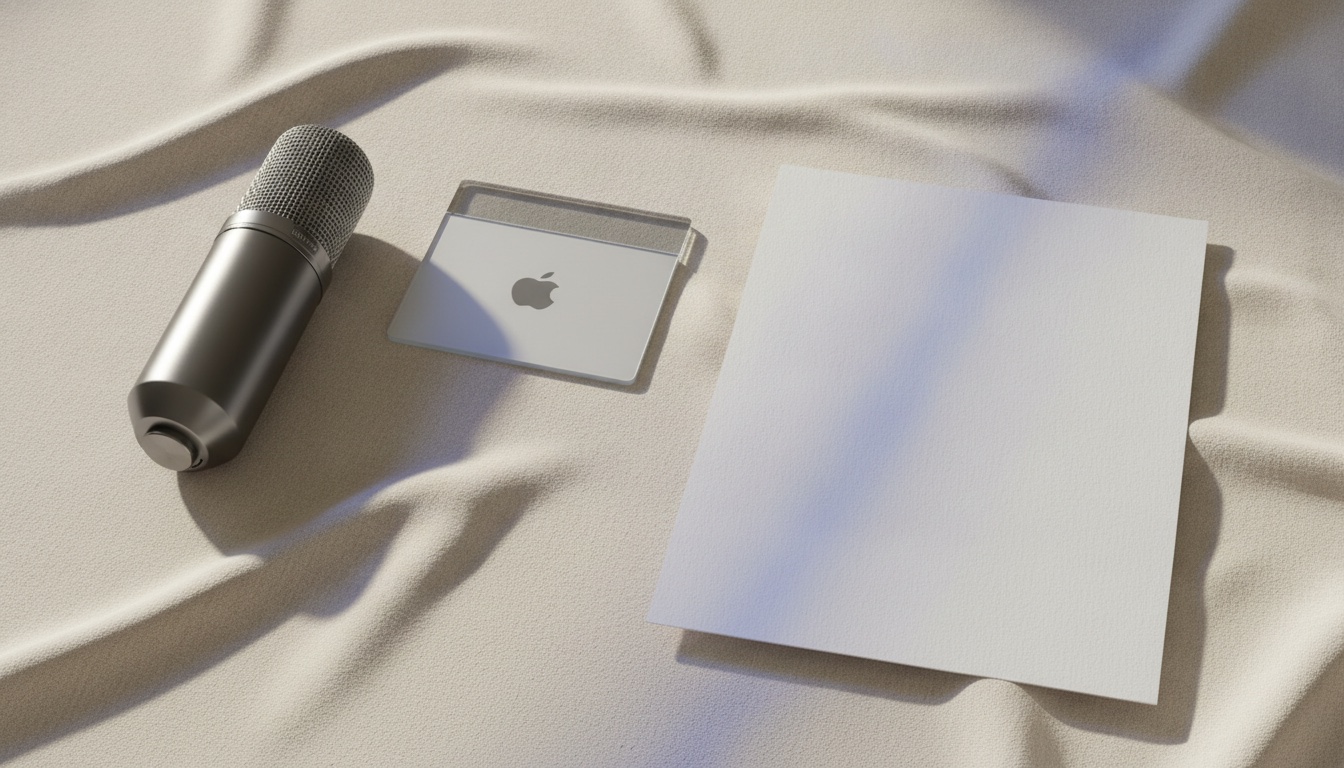
1. Hold the shortcut
A global hotkey you choose. Or double-tap to latch if both hands are busy.
Three steps
There is no browser extension and no “connect Slack.” On a Mac, Accessibility lets VV type wherever you could have typed; on Windows it needs only the microphone.
A thirty-second product film
No plugin. No account. Press play — or step through it yourself.
Your shortcut. Push-to-talk, or double-tap to stay listening.

As you actually think. Ums, pauses, change of mind — VV is built for that.

Text lands in Mail, Slack, Cursor, Notes. The recording never left the computer.
A global hotkey you choose. Or double-tap to latch if both hands are busy.
Ramble, pause, change your mind. Filler can be stripped locally. Vocabulary and snippets fire on exact phrases.
Pasted where the cursor was. The previous clipboard is restored after the target app has actually read it.
That is also why a Mac App Store sandbox build cannot do this job — the real app is a Developer ID download. On Windows it is a signed installer from this site, and the one place it cannot type is a window running as administrator.
Next: speak into any Mac app or download.
It looks like you're in the United States. The same app is on vaitlyvoice.com, priced in dollars for the United States.