Week and month calendar
Every meeting on its day. With calendar access on, recordings take the event's name and its attendees, read on your computer.

Guides · Meetings · Dictation · Polish and search · Mac and Windows
Four tools in one app. Show a task once and get a step-by-step guide. Get every call written up with no bot. Speak, and it types in any app. Then polish it, search it and turn it into tasks. Speech is transcribed on your computer.
Four tools, one app

Do it on your screen and talk it through. Every click and every new screen becomes a step with a picture and your words. Play it back with captions and an AI voice, or send it as a PDF, a web page or a video.

When a call starts, VV records it in the background. Nothing joins the call and no Teams or Zoom admin has to approve anything. Afterwards: minutes, decisions and action items.
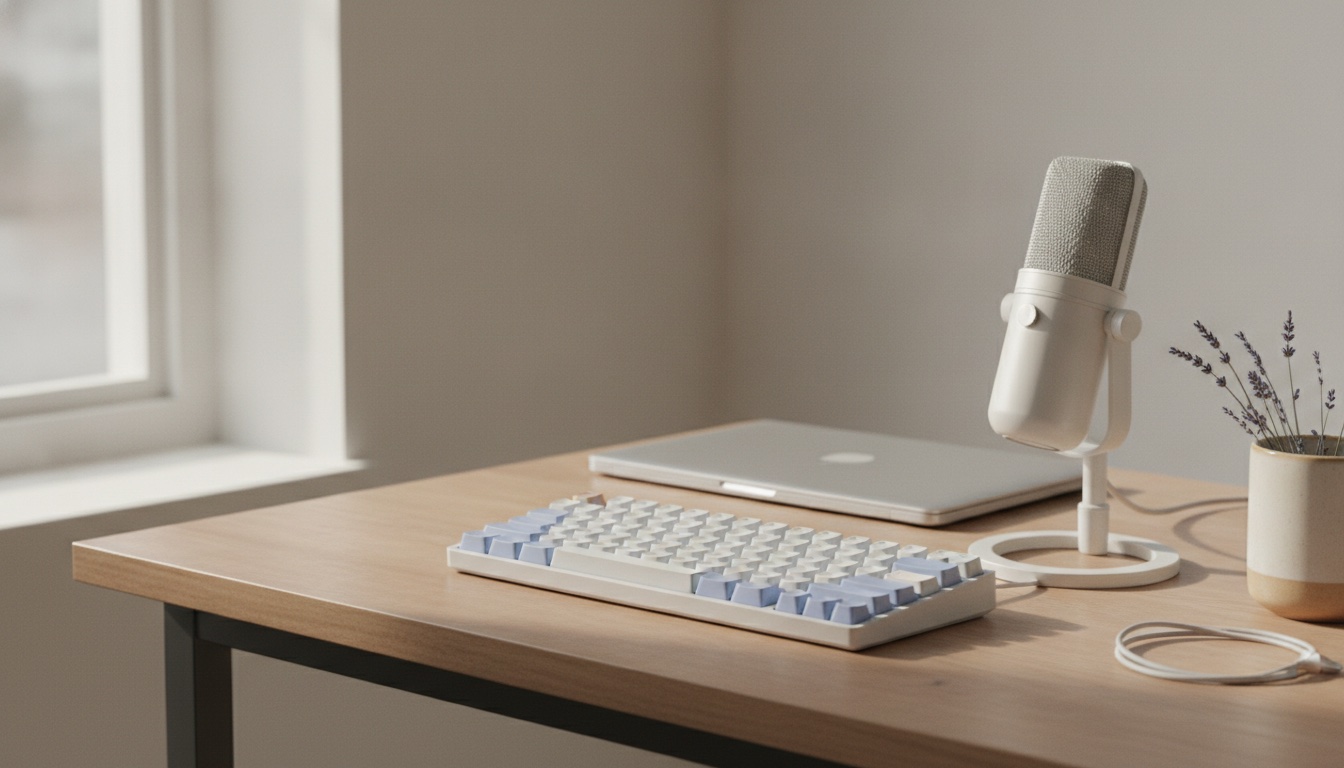
Hold fn on a Mac (Right Ctrl on Windows), say it, let go: the words appear wherever your cursor is. Transcribed on your computer, in any app.
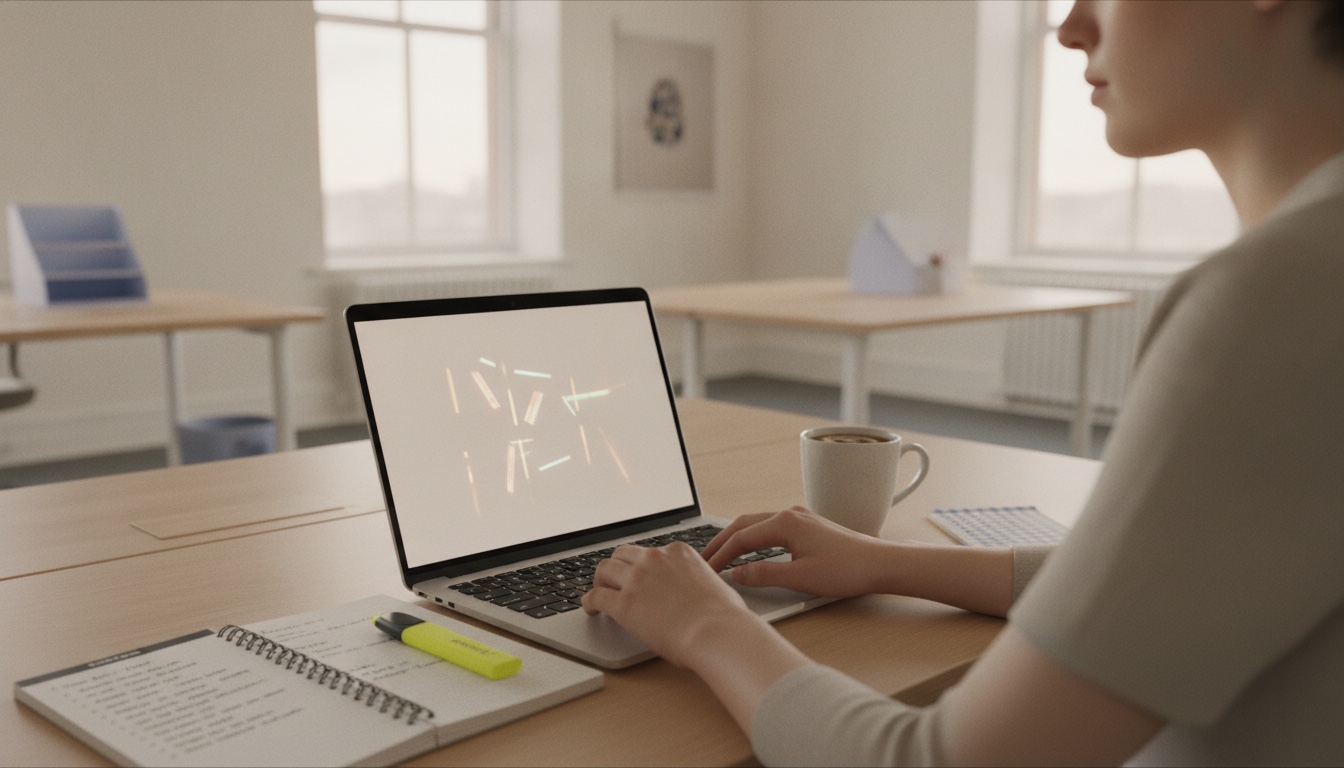
SmartText tidies what you say on your computer. Search every meeting, ask questions of them, track the action items, and send notes to Word, PDF, Notion or Slack.
Pillar one · Vaitly Guides · Pro · Coming in the next update
Show a task once on your screen and talk it through. VV turns it into a step-by-step guide: a picture for every step, the place to click marked, your words as the instructions. Play it back full screen with captions in your voice or an AI voice, or send it as a PDF, a web page or a video. It is made on your computer, and nothing is uploaded.
A thin border shows exactly what is being captured. It never appears in the pictures.
Each click and each new screen becomes a step, with the place you clicked marked and your words as the instruction.
Edit, reorder, crop, add a callout, black out anything private. SmartText suggests cleaner wording, on your computer.
Full screen with captions and a voice, or as a PDF, web page, Markdown or MP4.
Pillar two · Vaitly Meetings · Pro · Beta
Many meeting note-takers join the call as a bot, or need an admin to connect them. VV records on your own computer instead, in the background, so nothing joins the call and nobody in IT has to approve anything. It also works where no bot can go: WhatsApp, FaceTime, and ChatGPT or Claude in voice mode.
Supported apps
How it works
Zoom, Teams, Google Meet, WhatsApp, Slack, whatever the call is on. VV notices within seconds and starts recording in the background.
No bot joins and nothing is installed in Teams or Zoom, so there is no admin or tenant permission to ask for. You tell the people on the call that you are transcribing.
Your microphone is “You” and the call's audio is “Other participants”. Speech is turned into text on your computer while the call goes on. The audio is not uploaded.
The meeting lands on your calendar with minutes, decisions and action items, each linked to the moment it was said.
After the call
Every meeting on its day. With calendar access on, recordings take the event's name and its attendees, read on your computer.
Titles, transcripts and summaries at once, best match first. Each result opens at the moment it was said.
“What did we agree on pricing?” Ask in plain words and get an answer drawn from the meetings it is about.
Everything anyone agreed to do, from every meeting, in one list, with an owner when someone was named.
Last week in one place: what was decided, what you owe people, what is still open.
Word, PDF, Markdown, text, SRT or VTT. Or send a meeting to Notion or Slack with your own connection.

Away from your desk
Press Record now when the meeting is in the room. Recorded something on your phone? Save it from Voice Memos to a “Vaitly Meetings” folder in iCloud Drive or OneDrive, and VV transcribes it on your computer, onto the same calendar. Or import an M4A, MP3 or WAV file directly.
Pillar three · Dictation · Free and Pro
The same app types for you in Mail, Outlook, Slack, Word, Notion, Cursor and the browser, on Mac and Windows. It is transcribed on your computer. Free includes 1,000 words a week of plain dictation with no account; Pro adds SmartText, vocabulary and snippets.
An email, a chat, a document, a prompt box. Wherever the cursor is, that is where the words go.
fn on a Mac, Right Ctrl on Windows, or your own shortcut. Double-tap to keep the microphone open for longer.
It is transcribed on your computer. In Pro, SmartText adds the punctuation and writes your list as a list.
VV types into the app you are in, like a keyboard would. No plugin, no copy and paste.
Pillar four · Polish and search
Fillers and false starts out, punctuation and capitals in, lists as lists. If it is ever unsure, you get exactly what you said.
Teach names and jargon once. We rebuilt the matcher so it stops changing words that were right: false corrections fell from 38% to 3% in our tests.
Say a short phrase, get your sign-off or address. Turn a ramble into bullets or an email.
Say “make this a list” or “turn this into an email to Sam” and get it laid out, ready to paste. Sends text, never audio.
Microphone muted? VV warns you within a few seconds if it hears only silence, so you do not lose a paragraph to a mute key.
A forty-second product film
Dictation, included with VV on Mac and Windows. Hold a shortcut, speak as you think, and the sentence lands in whatever you already had open — without an account, and without uploading the recording.
The Mac you already use Mail, Slack, Cursor, Notes. You live here.
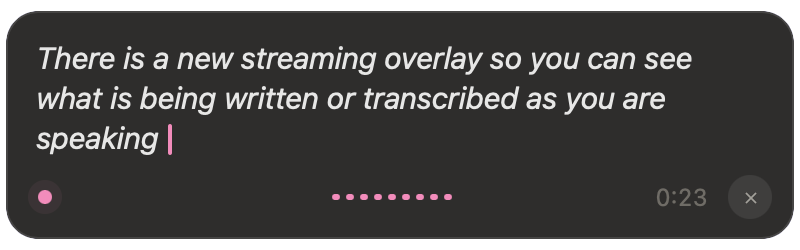
Most dictation still sends your voice away to tidy it up. VV does that job on the Mac you already own. Hold your shortcut. Speak the messy version — pauses, ums, change of mind. The overlay shows you it is listening. When you let go, the sentence you meant is in Mail, Slack, Cursor, Notes: wherever the cursor was. No account to speak. No browser extension. Vocabulary and snippets stay on the machine. Transforms can stay on-device too. That is the product. Private, on-device dictation for Mac. Download VV for Apple Silicon. [Recorded before the Windows release. VV now runs on Mac and Windows.]
Four tools, one app
A guide maker, a meeting note-taker and a dictation app usually means three subscriptions, three sign-ins and three places your work lives. Here it is one app on your computer.
Explained a process on a call? Create a guide from the meeting and the steps are drafted from what was said.
The same on-device recognition writes your dictations, your meeting transcripts and your guide narration. Audio is not uploaded.
Names, products and acronyms you add to your vocabulary come out right in what you dictate and in what is said on calls.
Pro covers 5 devices in any mix of Macs and Windows PCs: meetings and unlimited dictation on all of them.
It sits in the Mac menu bar or the Windows notification area. Calls are written up; a key press types for you.
Privacy
Speech is turned into text on your Mac or PC, for meetings and dictation, and audio is never uploaded. Meeting audio is not saved at all. To write meeting summaries, VV sends the transcript text to our server, which uses OpenAI with storage turned off. Cloud Polish sends the text of a dictation the same way.

Simple pricing
Plain dictation only, transcribed on your computer. Everything else is in Pro.
Every meeting recorded and written up, and unlimited dictation in any app.
VV for teams and regulated organisations. Priced per contract.
Prices are in pounds sterling; VAT is added at checkout where it applies. Existing Private and lifetime customers are moved to Pro at no charge. Full pricing.
Questions
Full FAQ on its own page, with the same copy search engines see.
All questionsThe main part of VV Pro, in beta. When a call starts on Zoom, Microsoft Teams, Google Meet in the browser, WhatsApp, Slack, FaceTime, Webex, ChatGPT voice or Claude voice, VV records it in the background and transcribes it on your computer. No bot joins the call. Each meeting lands on a calendar, can be searched, and gets minutes, decisions and action items. Every Monday you get a pack of the week's meetings.
Click where the words should go, hold fn on a Mac (Right Ctrl on Windows, or your own shortcut), speak, and let go. Your speech is transcribed on your computer, SmartText adds punctuation and writes lists as lists, and VV types the result into whatever app you are in. Free includes 1,000 words a week with no account; Pro is unlimited.
No admin or tenant permission is needed. VV listens on your own computer, so nothing is installed in Teams or Zoom and nothing joins the call. Your organisation's own rules on recording still apply.
No. Speech is transcribed on your Mac or PC, for meetings and dictation alike. Audio is never uploaded, and meeting audio is not saved at all. To write minutes, decisions and action items, and to answer questions across your meetings, VV sends the transcript text to our server, which uses OpenAI to write them. Requests are made with storage turned off; zero data retention is not in place.
1,000 words of dictation a week, in any app, on one computer, with no account needed. Vaitly Meetings is part of Pro and is not in Free.
£9.99 a month or £99 a year. Pro includes Vaitly Meetings, AI meeting summaries, unlimited dictation, Cloud Polish, Transforms and encrypted backup. Prices are in pounds sterling; VAT is added at checkout where it applies.

Ready when you are
It looks like you're in the United States. The same app is on vaitlyvoice.com, priced in dollars for the United States.