
Pick a key
VV suggests a shortcut on the first-run screen. Hold it and talk, let go and the words appear where the cursor is.
Thank you
VV 1.2.0 for Mac · 26.7 MB · Apple silicon (M1 or later), macOS 14 Sonoma or later.
While it downloads
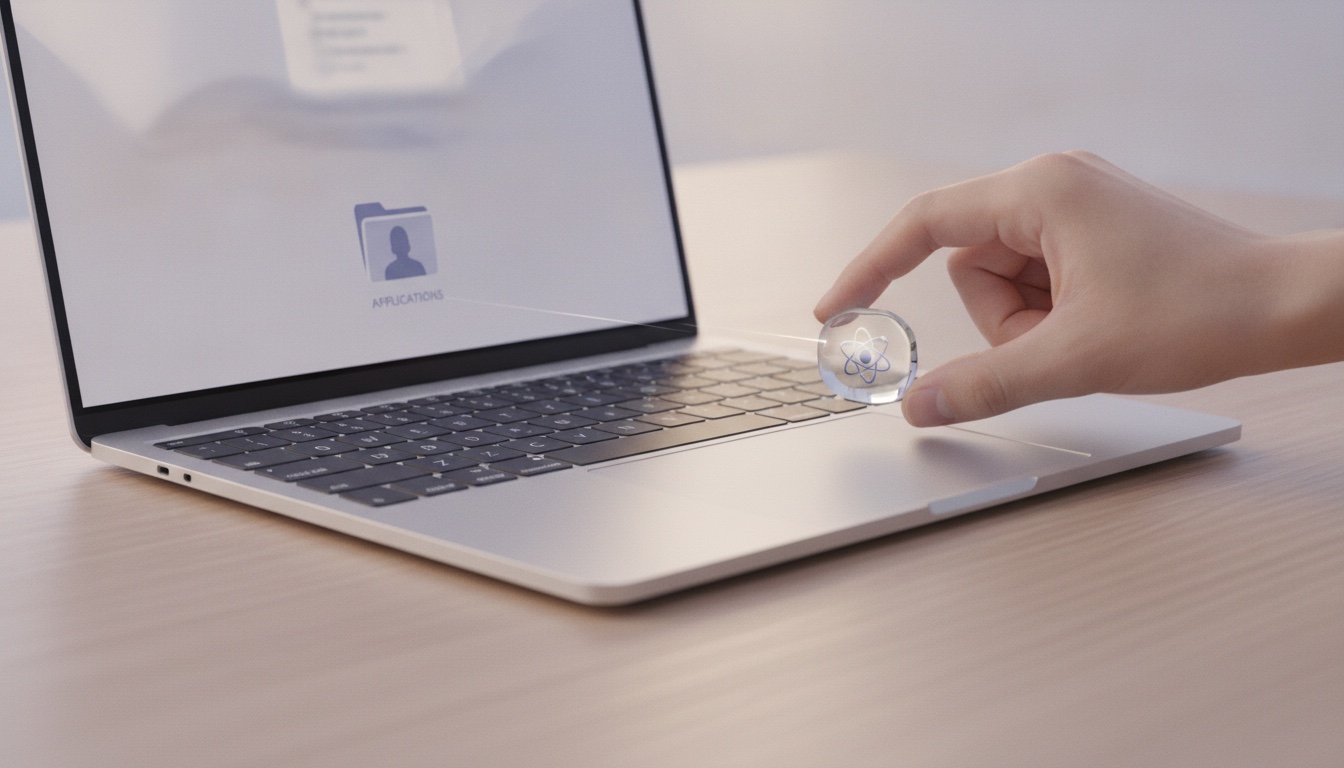
Click VV_1.2.0_aarch64.dmg in your browser's downloads, or find it in your Downloads folder. A window opens with VV and your Applications folder.
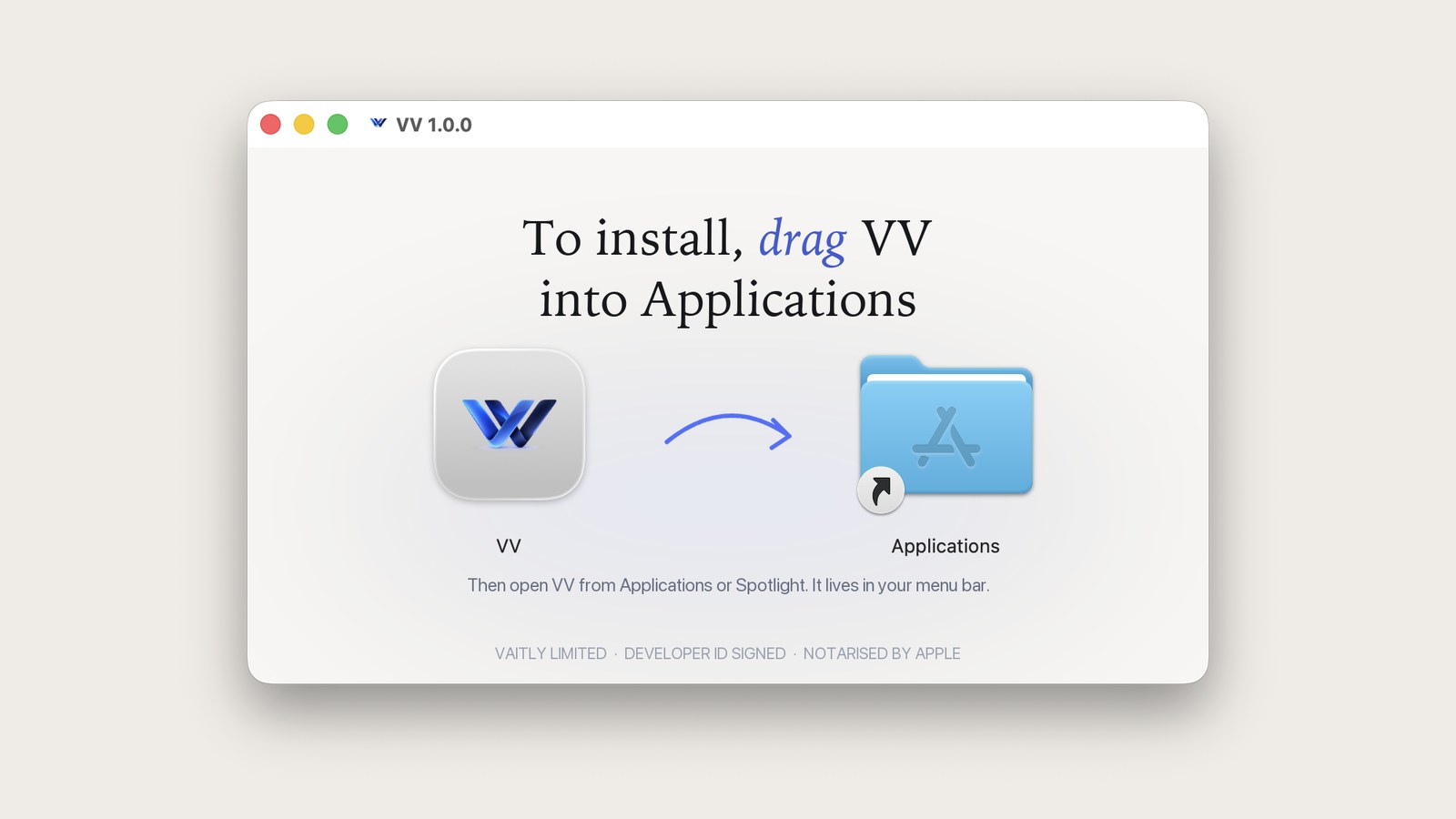
That is the whole install. Then eject the disk image and open the app from Applications, Launchpad or Spotlight.

macOS asks for Microphone so VV can hear you, and Accessibility so it can type where your cursor is. VV explains each one first and takes you to the right switch.
First minute
VV suggests a shortcut on the first-run screen. Hold it and talk, let go and the words appear where the cursor is.
The first run has a practice box, so the first sentence you dictate is not in an email to your boss.
Double tap the key and VV keeps listening until you tap once more. Handy for long replies.
It looks like you're in the United States. The same app is on vaitlyvoice.com, priced in dollars for the United States.