Hands
Hold to talk. Double-tap to stay.
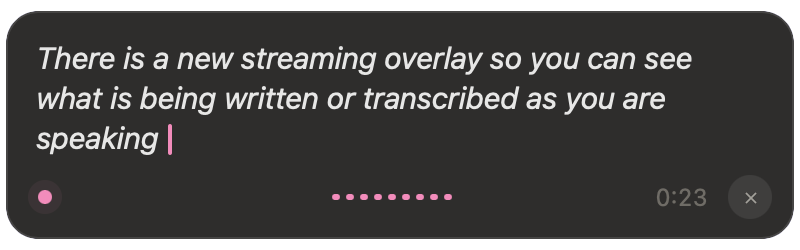
Push-to-talk is the default: hold the global shortcut, speak, release. For longer thoughts, double-tap to latch. The overlay shows the latched state so you are not guessing whether the mic is still open. Press once to stop, or use the cancel shortcut. On Windows, first run suggests Right Ctrl (or Ctrl+Space); you can record any key you like.
On a Mac, Accessibility permission is required so VV can paste into other apps, and Microphone permission so it can hear you. Windows asks for the microphone only. Either way, permissions are granted on your computer, not through a website.